

Iris QA seamlessly integrates with popular development and testing tools to enhance your QA workflow.Documentation Index
Fetch the complete documentation index at: https://docs.tryiris.dev/llms.txt
Use this file to discover all available pages before exploring further.
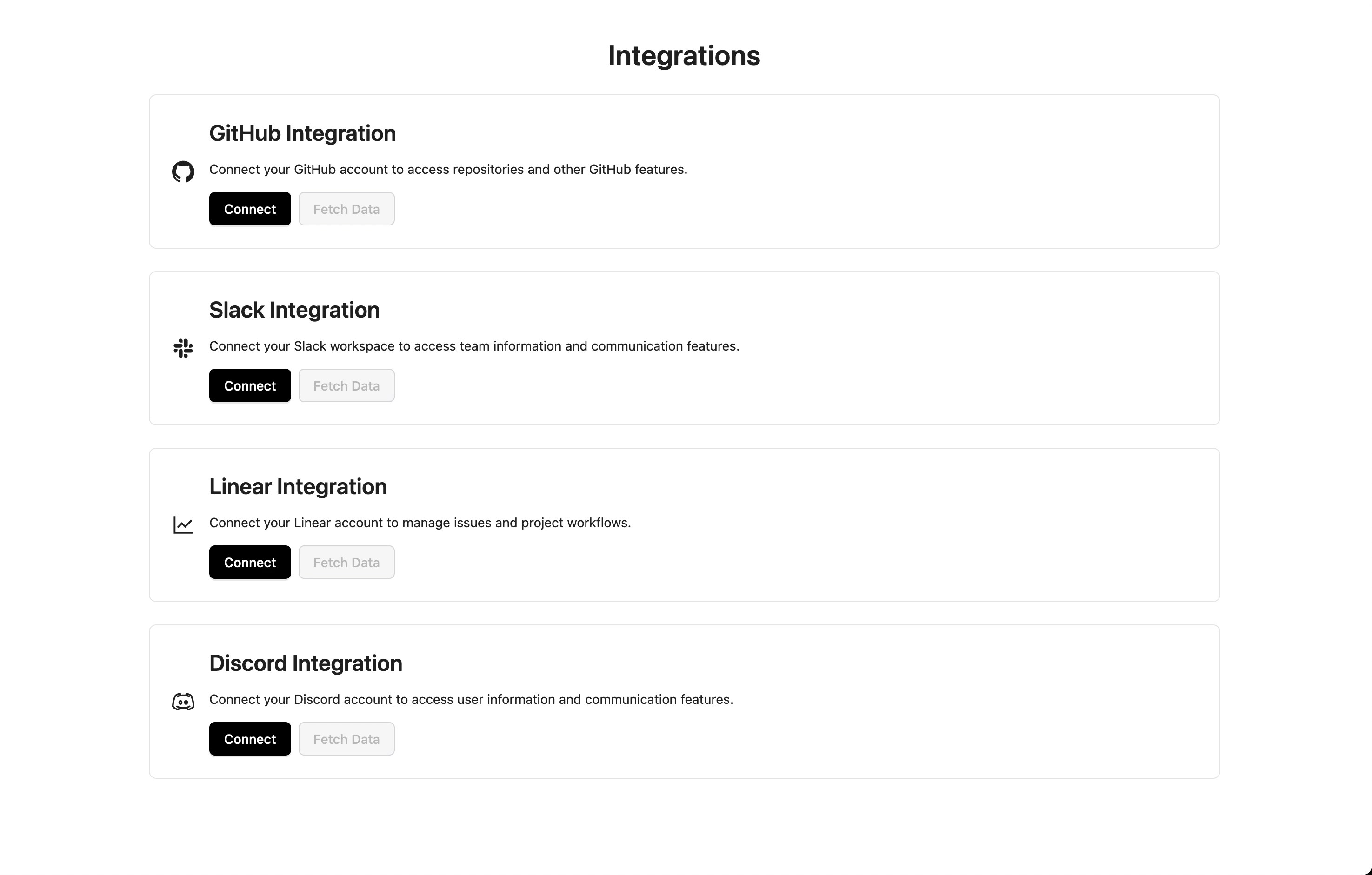
Available Integrations
GitHub
- Automatic test triggers on PRs
- Issue creation and tracking
- Results visualization in PR checks
- Workflow automation
Slack
- Real-time test notifications
- Custom alert channels
- Test result summaries
- Failure notifications
Discord
- Instant test status updates
- Customizable notifications
- Channel-specific alerts
- Team collaboration
CI/CD Platforms
- GitHub Actions
- CircleCI
- Jenkins
- GitLab CI
Setting Up Integrations
Access Integration Dashboard
Navigate to the Integrations page in your Iris QA Dashboard
For detailed setup instructions for each integration, please refer to our specific integration guides or contact our support team on Discord.